
Download ProjectForum – Secure Web Collaboration, Wiki‑Style Forums, Free Project Management Tool
Overview – What Is ProjectForum and Who Can Benefit?
ProjectForum is a lightweight, web‑based collaboration platform that blends the structure of a traditional forum with the flexibility of a wiki. Designed for teams that juggle large‑scale projects, the software lets users create dedicated pages for project areas, meeting notes, to‑do lists, and document sharing—all from a single, browser‑accessible interface. The biggest selling point is its “no‑tech‑skill” promise: you can spin up a fully functional instance in under two minutes, without needing to install complex server stacks or write code.
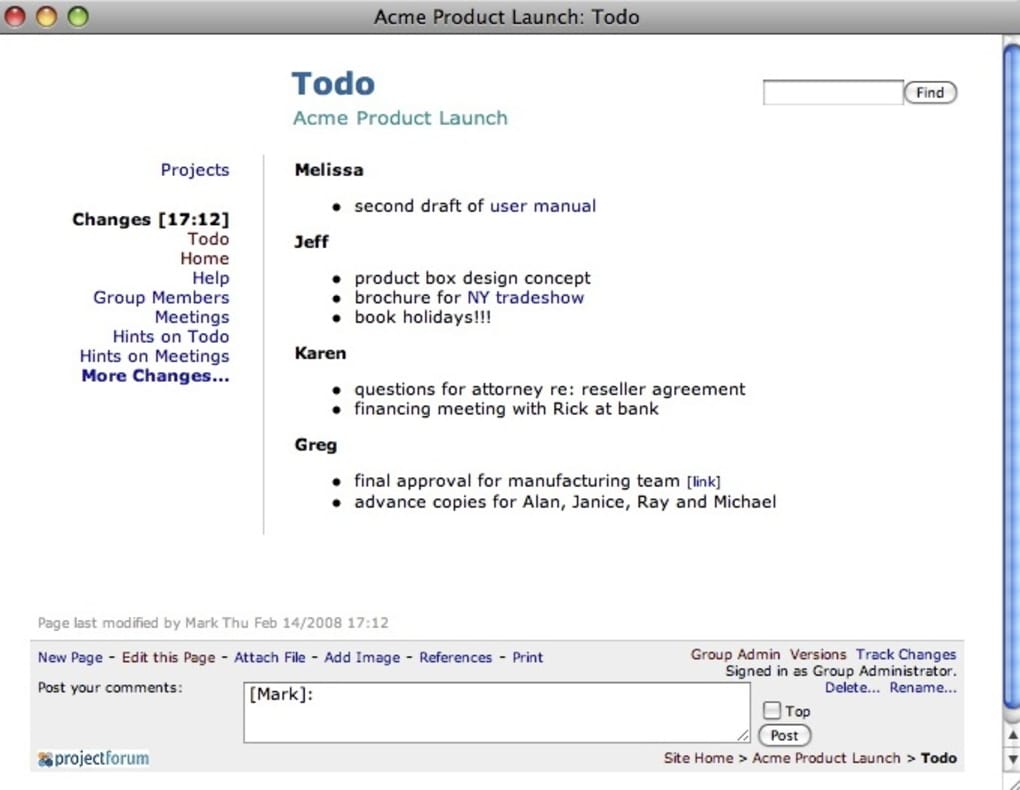
Whether you’re a product manager coordinating cross‑functional squads, an academic research group needing a shared knowledge base, or a small business looking for a secure place to gather ideas, ProjectForum provides a safe, centrally managed environment where ideas, comments, and files live together. The recent UI overhaul introduces clearer icons, modern fonts, and a tab‑based admin area, making it easier than ever to switch between configuration screens. A built‑in theme editor and extra CSS hooks let you brand the portal to match your corporate identity, while new wiki markup—footnotes, image‑based links, and page redirects—boosts the richness of content without sacrificing simplicity.
In short, ProjectForum is the sweet spot between a clutter‑free forum and a powerful wiki, offering a free, secure, and instantly deployable solution for modern collaborative work.
Key Features That Set ProjectForum Apart
- Hybrid Forum‑Wiki Interface: Combine threaded discussions with editable wiki pages for seamless knowledge capture.
- Instant Deployment: Install and launch the platform in under two minutes—no server expertise required.
- Responsive UI Redesign: Updated bottom‑area icons, consistent typography, and tab‑based admin navigation improve usability.
- Theme Editor & Extra CSS Hooks: Customize colors, logos, and styles via a visual editor or direct CSS overrides.
- Advanced Wiki Markup: Support for footnotes, image‑based page links, and automatic redirects enhances content depth.
- Granular Permissions: Different admin levels, sign‑in/out controls, and activity‑log settings keep collaboration secure.
- WYSIWYG Editor Improvements: Stable link handling and text preservation reduce formatting headaches.
- Multi‑Platform Access: Accessible from any modern web browser on Windows, macOS, Linux, Android, or iOS.
- Open‑Source Core: Free to use, modify, and extend, with community‑driven updates and bug fixes.
These features translate into tangible benefits for project teams. The hybrid interface eliminates the need to switch between separate forum and wiki tools, saving time and reducing context loss. Rapid deployment means you can start gathering feedback on a new initiative within minutes of deciding to use the tool. The theme editor lets marketing or product teams maintain brand consistency without involving developers, while permission controls ensure that sensitive documents stay behind appropriate access walls. In practice, teams report fewer email threads, clearer decision logs, and a higher rate of idea adoption because every contribution lives in a searchable, version‑controlled space.
Installation, Usage & Compatibility – Getting Started in Minutes
Step‑by‑Step Installation
- Download the latest ProjectForum zip package from the official website.
- Extract the files to a folder on your web server (Apache, Nginx, or IIS are all supported).
- Open the
install.phpscript in your browser and follow the on‑screen wizard to configure the database (MySQL/MariaDB) and admin credentials. - Once the wizard finishes, delete the
install.phpfile for security, then navigate toyourdomain.com/projectforumto log in.
Using ProjectForum Day‑to‑Day
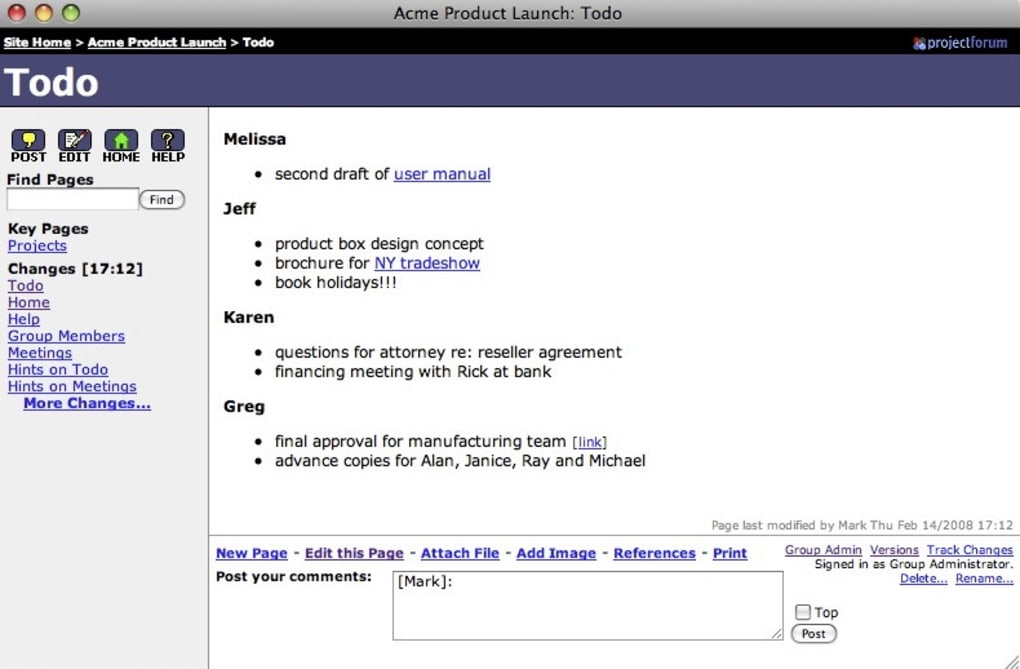
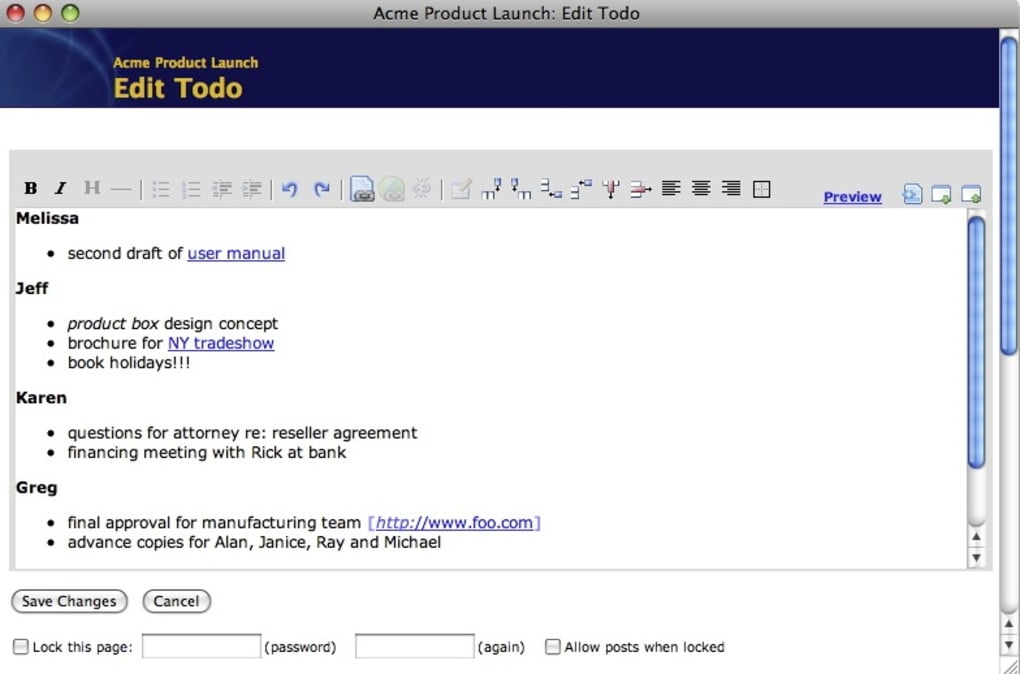
After logging in, the dashboard presents three main zones: Forums for threaded discussions, Pages for wiki‑style documents, and Administration for settings. Create a new project area by adding a forum category, then attach a wiki page for the project charter. Team members can comment directly on the forum thread or edit the wiki page using the built‑in WYSIWYG editor.
The activity log tracks changes, and the “versions” tab lets you revert to earlier drafts if needed. To keep the look consistent with your corporate style, open the Theme Editor under Administration → Appearance, select a base theme, adjust primary colors, upload a logo, and save. All changes apply instantly without a server restart.
Compatibility – Runs Anywhere a Modern Browser Does
ProjectForum is a pure web application, so the only requirement is a web server with PHP 7.4+ and a MySQL/MariaDB database. It has been tested on Windows Server 2019, Ubuntu 22.04 LTS, and macOS Monterey. End‑users can access the portal from Chrome, Firefox, Edge, Safari, or any Chromium‑based mobile browser on Android 10+ or iOS 13+. Because the UI is responsive, the experience is consistent on desktops, tablets, and smartphones, making it ideal for remote or field teams.
Pros, Cons, FAQ & Final Thoughts – Should You Download ProjectForum?
Pros & Cons
- Pros:
- Free, open‑source core with regular community updates.
- Fast, no‑code installation; works on any standard LAMP/LEMP stack.
- Hybrid forum‑wiki model reduces tool sprawl.
- Extensive theming and CSS hooks for branding.
- Responsive design works on all major OS platforms.
- Granular admin levels improve security and delegation.
- Cons:
- Advanced customization may require basic CSS knowledge.
- No native mobile app—access is limited to the browser.
- Feature set is focused on collaboration; not a full‑blown project‑management suite (e.g., Gantt charts).
- Enterprise‑only options (e.g., default forum open/closed settings) require a paid license.
Frequently Asked Questions
- Is ProjectForum truly free to use?
-
Yes, the core application is released under an open‑source license and can be downloaded, installed, and used at no cost. Optional premium modules and support plans are available for enterprises.
- Can I host ProjectForum on a shared hosting plan?
-
Absolutely. As long as the host provides PHP 7.4+ and MySQL, ProjectForum will run smoothly on most shared hosting environments.
- How does data security work?
-
All data is stored in your own database, so you retain full control. You can enforce HTTPS, configure server‑level firewalls, and set granular user permissions within the application.
- Is there a way to import existing forum data?
-
ProjectForum includes an import tool for CSV and XML formats, allowing you to migrate legacy forum threads or wiki pages into the new system.
- What support options are available?
-
Community forums, detailed documentation, and a public issue tracker are free. For faster response times, paid support contracts and enterprise‑level SLAs are offered by the core development team.
Conclusion & Call to Action
ProjectForum delivers a balanced blend of forum dynamics and wiki flexibility, making it an excellent choice for teams that need a secure, easy‑to‑deploy collaboration hub. Its free core, rapid installation, and responsive design mean you can start gathering ideas and tracking decisions within minutes—without waiting for IT. While it doesn’t replace full‑scale project‑management suites, its focus on discussion, documentation, and branding fills a niche that many organizations overlook. If you’re looking for a lightweight, customizable platform that respects your data and works across Windows, macOS, Linux, Android, and iOS, download ProjectForum today and give your projects the collaborative edge they deserve.







